
Note: This post was mostly written by Claudia, my AI agent, after interviewing me about the topic. The post was reviewed and edited by me before publishing.
Our baby arrived recently. By day two, my wife and I had already hit the classic new-parent problem: did she feed on the left or the right last? How many wet or dirty nappies did we see today? How long has she been asleep?
I knew this was coming though. Friends and books had advised using an app or keeping a journal of things the baby does, especially dirty nappies, sleep, and feeding. Being me, I decided to solve the problem of keeping track with BabyBuddy, Home Assistant, and a zigbee remote.
What is BabyBuddy?
BabyBuddy is a free, open-source baby tracking app that runs on your own hardware. No subscriptions, no data stored with a third party, no premium tier unlocking features you actually need. It tracks the things that matter:
- Nappy changes — wet, solid, or both
- Feeds — which breast, for how long, or bottle amounts
- Sleep — start and end time, daily totals
- Tummy time
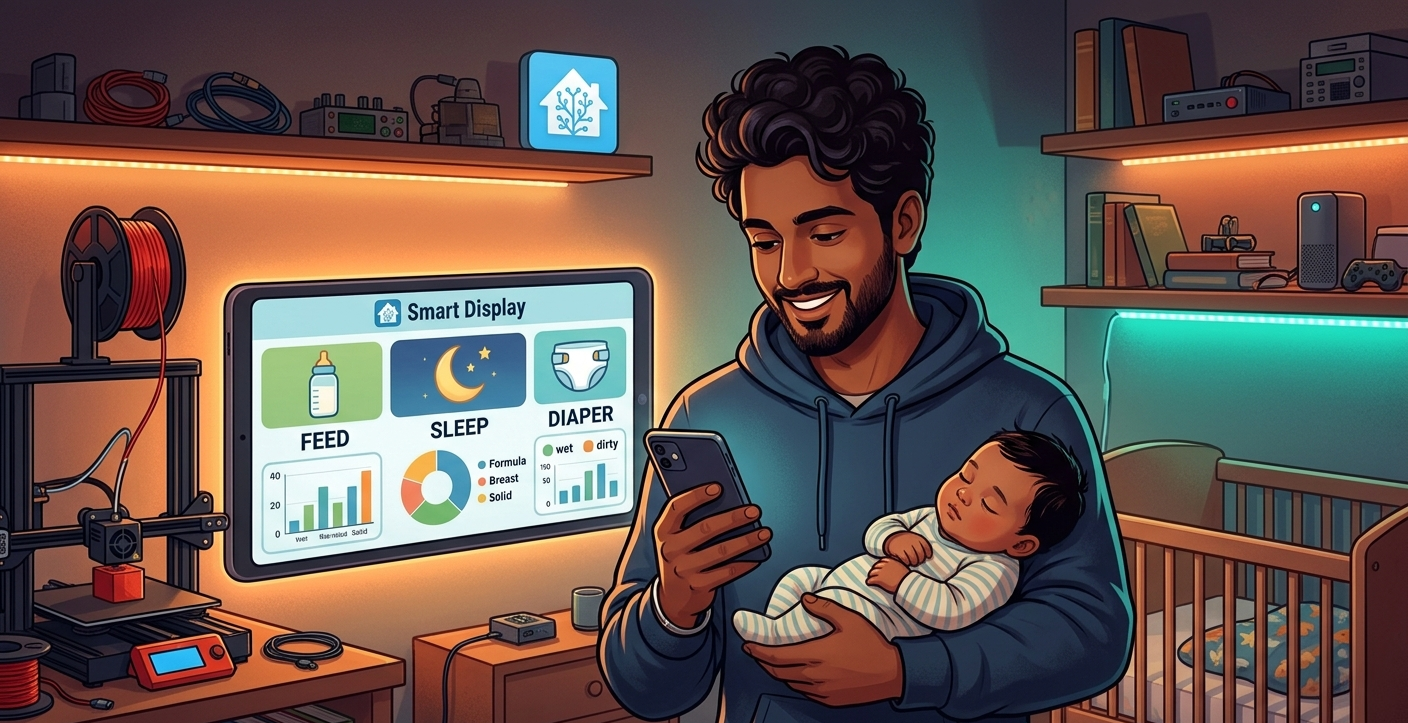
Combining baby buddy with home assistant enabled two key things for us. One, a way to quickly log events without reaching for our phones and two, a way to use the data to help us be better parents. For example, I set up a 3-hour hunger alert. Home Assistant pings us when more than three hours pass without a feed. Our baby is still finding her rhythm with feeds, and that alert has already been a genuine reassurance – especially when we are half asleep.
Over time, BabyBuddy builds a picture of patterns — average sleep duration, typical feeding times, which side she prefers. Useful data, not just interesting trivia.
Why automate it?
BabyBuddy has an official Home Assistant integration. This means Home Assistant can both read data from BabyBuddy and write to it via the API. That turns your home itself into an input device.
Otherwise, you end up blinding yourself in the middle of the night to log a nappy or a feed: unlock phone, open app, find the right button, log the event. Sounds trivial — until you’re holding a baby with one hand at 4 AM.
The automation: press a zigbee button. Hear a (quiet) confirmation on the smart speaker. Done.
What you’ll need
- Home Assistant OS
- The Baby Buddy add-on (installed via Home Assistant)
- IKEA STYRBAR Zigbee remote (~£15) or any compatible Zigbee button
- BabyBuddy integration for Home Assistant
- A Zigbee coordinator (if Home Assistant doesn’t already have one)
That’s it. No subscription, no cloud dependency, works when your internet is down.
The hardware: IKEA STYRBAR
I went with the IKEA STYRBAR — a four-button Zigbee remote. It pairs directly with Home Assistant via ZHA or Zigbee2MQTT, runs on a battery, and needs no internet connection to work.
Current setup:
- Near the feeding chair (STYRBAR, 4 buttons): log nappy, log sleep, log feed
- Next I’m adding one near the changing station (RODRET or BILRESA, 2 buttons): log pee, log poop
For nappies it’s one button press, no phone needed. For feeds and sleep it’s two presses. One to start a timer and one to log when the activity has finished.
Setting it up
1. Install BabyBuddy — it’s in the Home Assistant official add-on store. One-click install.
2. Enable the BabyBuddy integration — add it via Home Assistant’s Integrations panel. You’ll need your API key from the BabyBuddy settings.
3. Pair your Zigbee remote — put your coordinator in pairing mode, hold the button on the STYRBAR until the LED pulses, and confirm the device appears in Home Assistant.
4. Write the automations — map each button to a BabyBuddy action. Here’s the full nappy change automation:
automation:- trigger:- platform: stateentity_id: sensor.styrbar_actionattribute: actionto: "1_single"action:- service: babybuddy.add_diaper_changedata:type: Wet
Change type: Wet to type: Solid for the other nappy variant. Change the trigger entity and to value for each additional button. The automation timestamps everything automatically — no phone required.
For more complex actions (logging a feed with duration, or a sleep entry with notes), check the BabyBuddy Home Assistant integration docs — the service calls support all the same fields as the app.
One tip: with feeds and sleep the integration expects you to start a timer. So the initial button press should check if any timers are active. If not, it should start one. If there are, it should log the relevant event using the duration of the timer and then deleting it. If you need any help with this, just let me know – the docs are a little confusing.
One week in
Both my wife and I use the buttons without thinking about it. The friction of logging is basically zero. The timeline in BabyBuddy is accurate, the hunger alert fires when it should, and we can both see the data on our phones if we need to.
Going further
This is where it gets interesting. The infrastructure you’ve built unlocks more:
- A persistent notification on your phone showing when the last sleep, feed, etc happened.
- You can build more hardware like custom buttons or scales for logging milk consumption or even baby’s weight.
- Trend analysis e.g. baby likes to nap around lunchtime everyday
The BabyBuddy API is well-documented and Home Assistant’s automation engine is flexible enough to connect almost anything. If you’ve ever thought “I wonder if I can automate this” — you probably can.
Is this overkill?
If a notes app or pen and paper works for you, stick with it — seriously.
But if you’re already running Home Assistant and find yourself thinking “I wonder if I can automate this” — BabyBuddy plus a Zigbee remote is one of the most genuinely useful automations I’ve built. It costs less than most baby apps’ annual subscriptions, it runs on your own hardware, and at 3 AM, the fact that it works when your internet is down matters more than you’d expect.
What’s the first thing you’d automate for your baby? Drop it in the comments — I’d love to know what others are building.


0 Comments